


After entering your email address, you will be sent a verification code email.

After submitting your application, you will be redirected to this page.
From here you are able to go to the “My Account” Page and log in once your account has been approved.
Please note: You will not be able to log in if your application has not yet been approved or if your application has been denied.
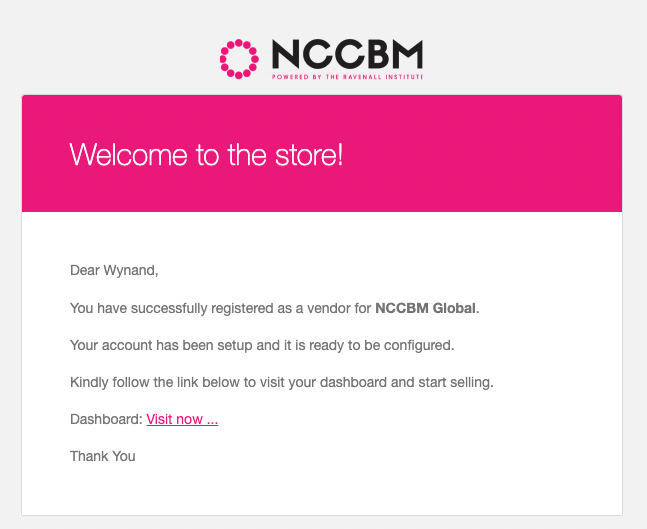
Once approved, you will receive an email of confirmation that you’ve successfully registered to the website.
You can follow the link to take you to your Practitioner Dashboard page.

When logged into your Practitioner account, you will be redirected to your NCCBM Dashboard.


By Clicking the Green avatar image / icon you will be redirected to your Profile Manager where you can update your account information.

To connect your Google Calendar for availability, please click Connect with Google.
From here you will be taken to a Google Page that will ask you to sign in on google as well as connect your calendar.
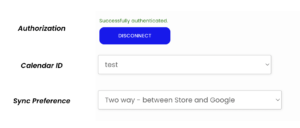
Once you have authenticated your Google Account, you will have the option to specify the calendar that you will use.
Please be sure to select Two Way – between Store and Google on Sync Preference